
● Start · 10 minutes
Quick start
the terminal in Chrome.
The shortest way from the zip to AXIS running on Hyperliquid mainnet data in your browser. No key, account or Firebase project is needed for this. If Flutter is not installed yet, do Requirements first.
01Before you start
flutter --versionanswers (verified with Flutter 3.41.4).- Google Chrome is installed.
02The ten minutes
- Unzip and open a terminal in the project folder
- Install packages
flutter pub get - Generate the translationsRequired The app imports
lib/l10n/app_localizations.dart(lib/main.dart), which is generated and not stored in the source.flutter gen-l10n - Run it
flutter run -d chrome
Optional checks:
flutter analyze      # no errors or warnings (33 style infos at the time of writing)
flutter test # All tests passed! (927)03What you should see
- First start: create or import a wallet on the device. Write the recovery phrase down; treat even a test wallet like a real one.
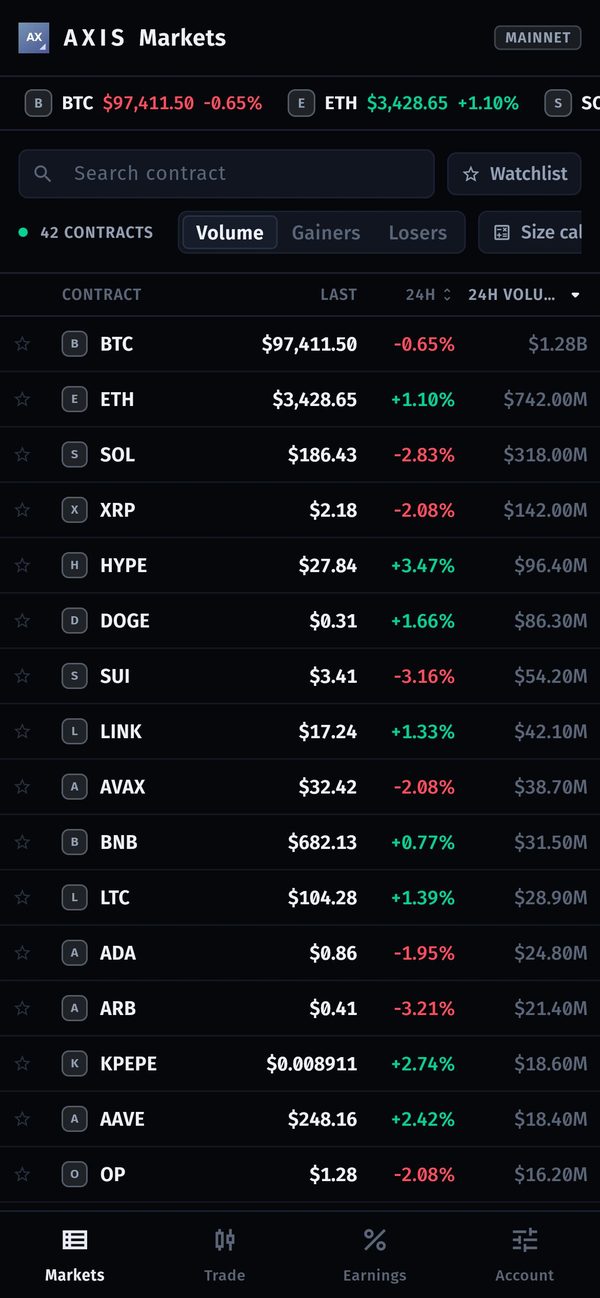
- Markets lists Hyperliquid contracts with live prices.
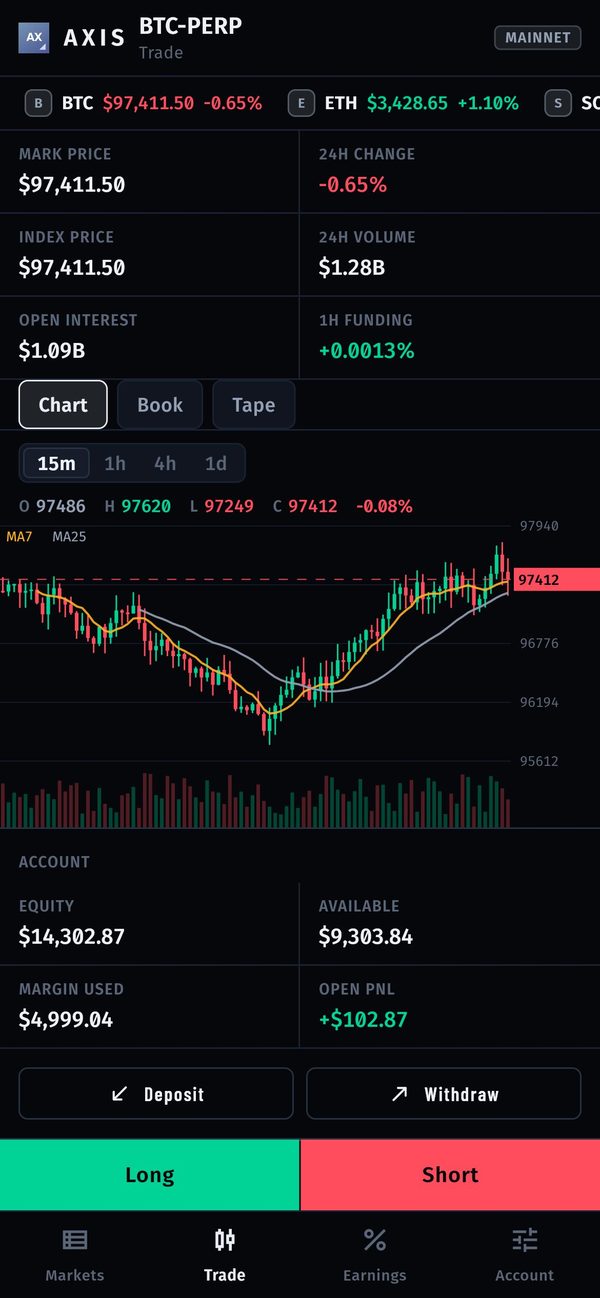
- New positions are refused until you switch perps on:
hyperliquid_perps_enabledshipsfalseso a store build can pass review. Turn it on in Settings → Operator console → Surfaces → Hyperliquid perps (details). - Earnings reads No builder code: nothing is charged until you configure the builder fee (Setting up earnings).
Next
Continue with Installation.